I build the tools I wish existed. Each of these began as a gap in my own practice and grew, with AI as a collaborator, into a small browser instrument built around a single sharp idea: type bent into circuitry, images broken down to dither and halftone, form caught mid-render, a picture doubled in rippling water. Enough character to carry a poster, a web animation, a cover, or whatever a project is still missing.
Mirrors an image from any edge and lays a moving water surface over the reflection: nine ripple styles, wave size, direction and speed, turbulence, blur and fade, all live on the GPU. Drag the image and its reflection into place, then export a transparent PNG at any size, an SVG, or a looping video.
Rippled reflections
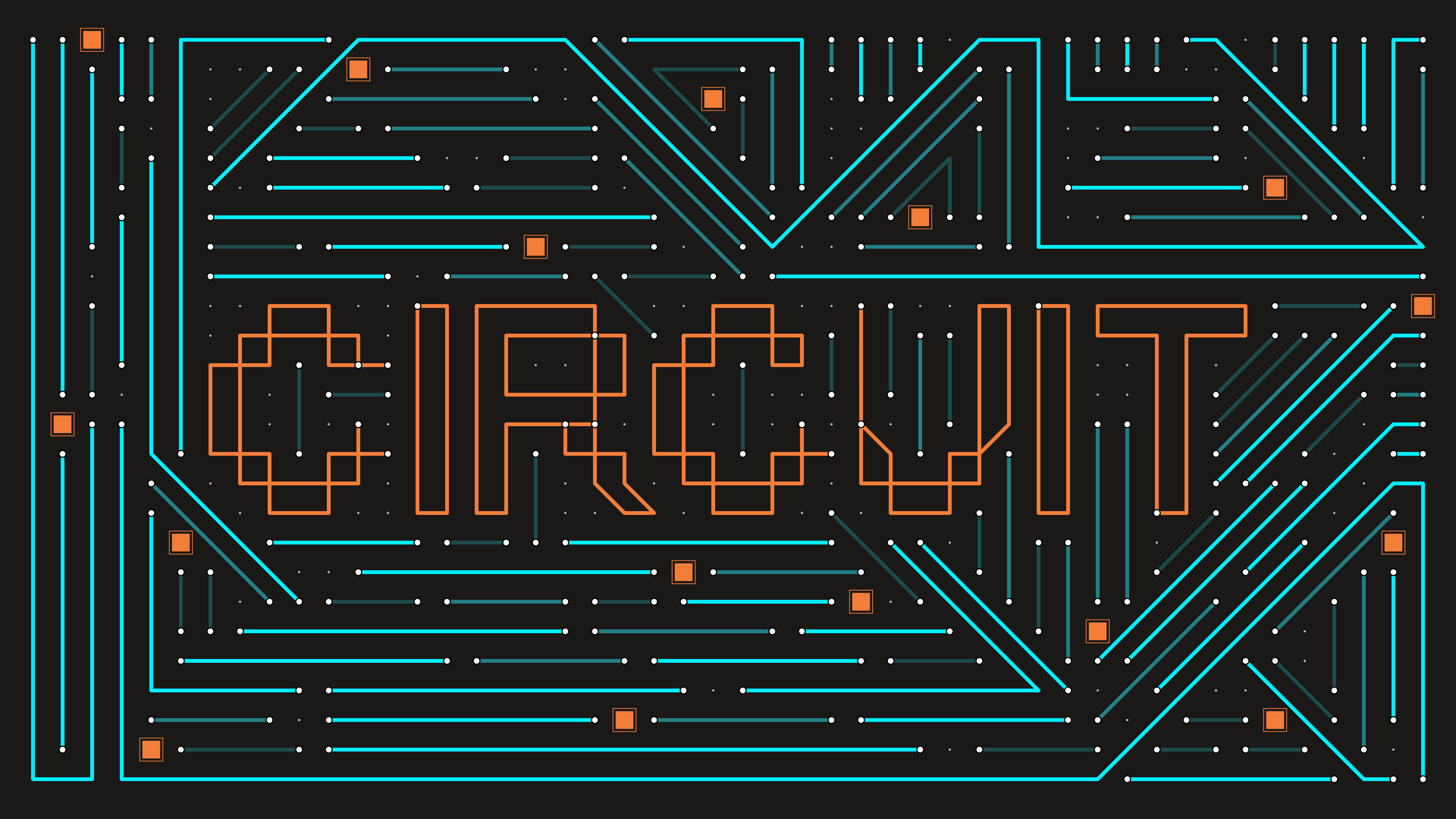
Draw circuit-board artwork by hand or let the tool grow it for you: traces snap to a grid, chips, pads, and labels drop in, and auto-fill extends a whole board from your lines. Save and reload projects, step back through every change, and export SVG, PNG, or JPG stills, or record the draw-on animation as video.
Grid-drawn circuitry
Drop a 3D model into the browser, light it with HDRIs, and push it through render styles: clay, matcap, toon, x-ray, wireframe. Add mesh deformers and a stacked post-FX grade with a before/after split. Export stills at print or social sizes, or turntable and keyframe camera moves into video.
Browser look-dev
Turns type or images into dithered line-screens: ribbons of ink that swell and taper with the tones underneath. Kern directly on the canvas, compare against the original with a draggable split, keyframe any control, and export print-ready SVG, PNG/JPG stills, or video.
Dithered line-screens
Rebuilds type and images from custom pixels: squares, dots, symbols, even letters, with halftone sizing, grain, and drop shadows. Compare against the source with the split slider, keyframe every control, and export SVG, PNG/JPG, or video.
Custom pixel grids